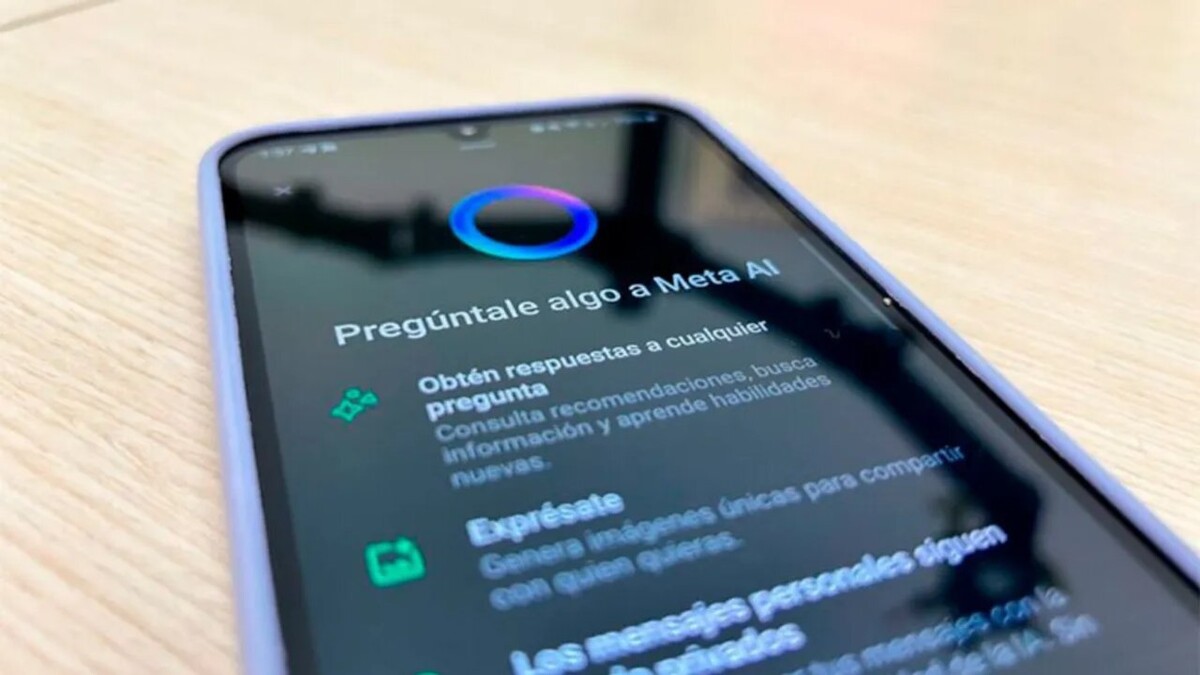
Meta has integrated its artificial intelligence, Meta AI, into the WhatsApp application, featuring it as a prominent button in the interface. According to Noticias Argentinas, although the integration is becoming increasingly deep, users who do not wish to use this tool can take steps to remove or, at least, hide the direct access to Meta AI in their app. It is important to highlight that due to the native integration, there is no direct option to completely 'uninstall' Meta AI from the app, as it is a function embedded in the code.
How to Hide the Meta AI Access Button in WhatsApp The most effective way to 'remove' Meta AI's presence from the main WhatsApp screen is to delete the direct access that appears above the Chats tab.
Open Settings. Go to the Chats section. Disable Quick Access. It should be noted that if the Meta AI function is used in another way, the chat may reappear. If the option to hide the quick access does not appear in your WhatsApp version, it is likely that the function has been permanently integrated by Meta in that region.
Deleting or Archiving the Meta AI Chat Although the access can be hidden, the Meta AI chat still exists in the list if it has already been used. However, settings can be applied to make it no longer visible.
Archive the chat: To keep the list clean, you can long-press the Meta AI chat and select the 'Archive' option. This will move it to the archived chats folder, away from the main list. Delete the chat: If what you want is to delete the conversation history, long-press the chat and select 'Delete' (or 'Delete chat'). In that case, the only alternative is to ignore the button and wait for future updates that allow for greater customization.